

PlayLive offers mobile casino access without a dedicated Android or iOS app. You open the platform through Chrome, Safari, or another supported mobile browser. The site works on Android phones and tablets, iPhones, and iPads. For South African players, PlayLive keeps games, bonuses, rand transactions, and support available without consuming storage for an app. Website updates load automatically, giving you a convenient alternative to native software.
Android Mobile Access at PlayLive
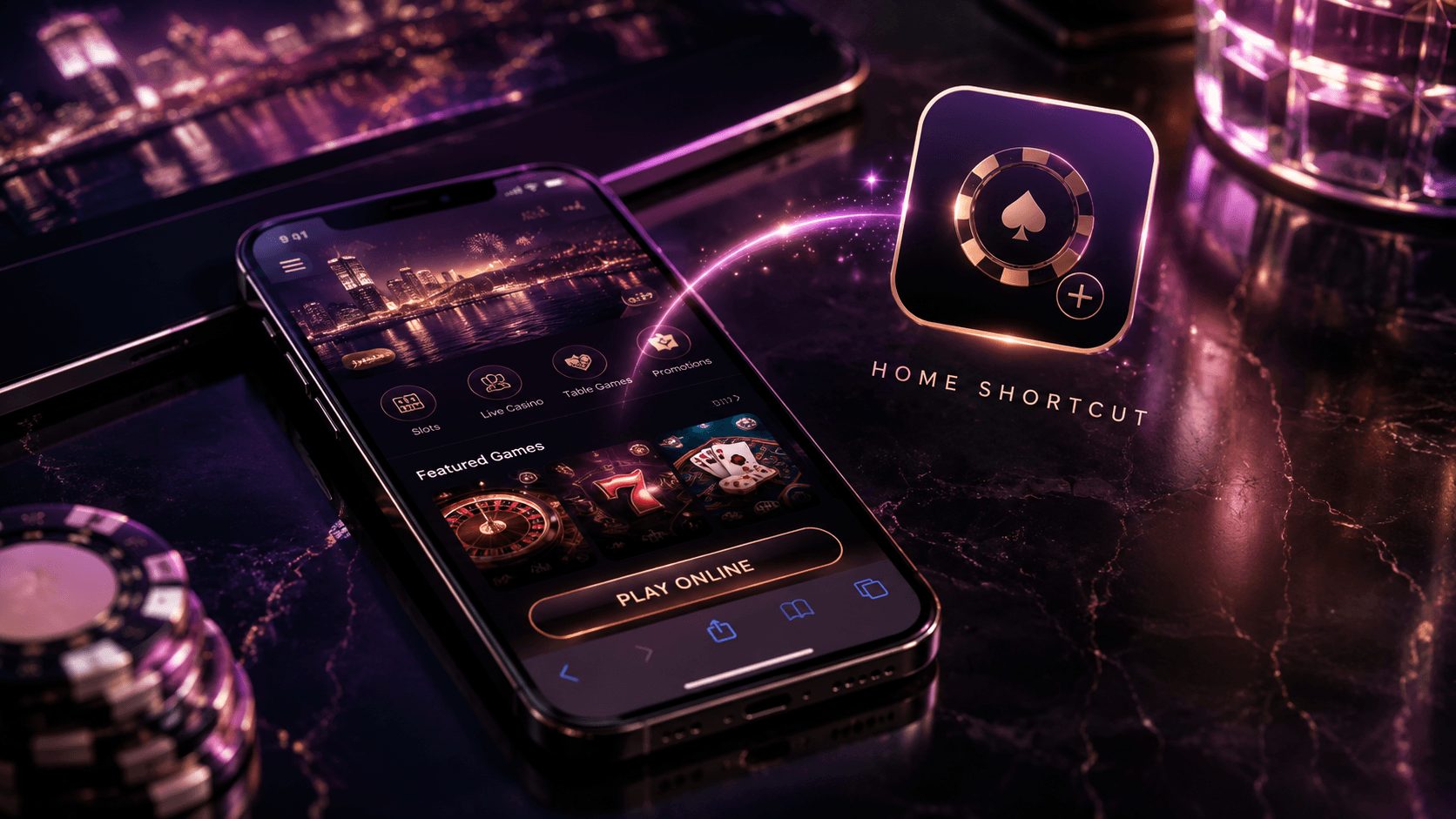
Android players use PlayLive without installing separate casino software. Neither of the usual app download methods applies:
- Downloading an APK file
- Installing an application through Google Play
Enter the official PlayLive address in your preferred browser and sign in with your regular account details. The interface adjusts to different screen sizes, keeping menus and game controls usable on compact phones and larger tablets.
PlayLive does not distribute Android software, so ignore websites offering branded APK files. Browser sessions also remain available when your phone switches between Wi-Fi and mobile data in South Africa.
How to Open PlayLive on Android?
To reach PlayLive from an Android device:
- Open Chrome or another supported browser.
- Enter the official PlayLive website address.
- Wait for the casino page to load.
- Log in or create an account.
- Choose a game and start playing.
Avoid APK files hosted by third parties. No official PlayLive Android application exists, and unauthorised downloads may expose sensitive account information.
Saving PlayLive to Your Home Screen
Place a PlayLive shortcut on your home screen through Chrome:
- Open PlayLive in Chrome.
- Tap the browser menu in the upper corner.
- Select Add to Home Screen.
- Edit the shortcut name if needed.
- Tap Add to confirm.
The icon launches the PlayLive mobile website immediately. It remains a browser shortcut and does not install an application on your Android device.
Compatible Android Phones and Tablets
The PlayLive mobile site supports the main Android device categories:
- Android smartphones
- Android tablets
Your phone or tablet needs an up-to-date browser and a stable internet connection. Chrome offers a familiar route, but other supported browsers can load PlayLive as well.
Since the casino runs online, it adds no app package to your device. Installation-specific RAM requirements do not apply either. This helps when a phone with limited free space is also your main device for mobile casino access in South Africa.
Using PlayLive on iPhone and iPad
The App Store does not carry a PlayLive application. Safari gives you access to the casino without additional software. The mobile website includes the account functions found in other supported browsers, covering games, promotions, transactions, tournaments, and customer support.
Your PlayLive credentials work on an iPhone in South Africa, an Android device, or a desktop browser. Adding an iOS home screen icon reduces the steps needed to return without creating another update routine.
How to Open PlayLive on iOS?
To open PlayLive on an Apple device:
- Launch Safari on your iPhone or iPad.
- Enter the official PlayLive website address.
- Allow the casino page to load.
- Sign in with your account details.
- Open the casino section and select a game.
Safari can handle every PlayLive session. You do not need an installation file or a separate App Store download.
Saving the Site to iOS
Create a PlayLive home screen shortcut through Safari:
- Open the official website in Safari.
- Tap the Share icon.
- Select Add to Home Screen.
- Confirm or edit the shortcut name.
- Tap Add to save it.
The icon appears alongside your iOS apps but launches the PlayLive website in Safari. It does not function as native casino software.
Compatible iPhone and iPad Devices
PlayLive runs on the following Apple device categories:
- iPhone models that support a recent version of Safari
- iPad models that support a recent version of Safari
Browser compatibility and connection stability matter more than the screen size. PlayLive adjusts its layout for both compact and larger Apple displays.
The platform does not occupy storage with an app package. You can reach the casino through Safari without adding software to your device.
Automatic Website Updates at PlayLive
PlayLive applies mobile updates through the website. You can skip the maintenance associated with installed software:
- Checking application version numbers
- Downloading update packages
- Reinstalling outdated software
New changes become visible when you next visit PlayLive. Automatic updates may affect several platform areas:
- Casino games
- Payment functions
- Account tools
- Mobile features
If your browser displays an older page, refresh the tab and reopen PlayLive. The same action is useful after moving between home Wi-Fi and mobile data in South Africa. A saved shortcut still leads to the latest website version.
Why PlayLive Mobile Access Works Well
The PlayLive mobile site works without casino software or an app package taking up storage. Platform changes appear automatically, and the same account remains available across supported mobile devices and desktop browsers.
The differences between browser access and a hypothetical native application are shown below:
| Feature | PlayLive Mobile Browser | Hypothetical Native App |
|---|---|---|
| Installation | Not required | Required |
| Device storage | No app storage used | Uses storage space |
| Updates | Applied automatically | May require downloads |
| Access method | Official website or shortcut | Installed app icon |
| Supported systems | Works through supported Android and iOS browsers | Requires a separate version for each system |
| Account access | Uses the same PlayLive login | Uses the same account login |
| Removal | Close the tab or delete the shortcut | Uninstall the application |
Moving between devices requires no fresh download, which suits mobile play in South Africa when you alternate between home Wi-Fi and mobile data. PlayLive keeps casino activity, rand transactions, promotions, and assistance within one browser-based account.
PlayLive Mobile Casino Game Library
The PlayLive mobile casino contains more than 2500 games across several categories:
- Slots
- Live casino games
- Table games
- Blackjack
- Roulette
- Instant games
- Tournaments
Demo mode is available for supported titles, letting you explore gameplay before using your balance. PlayLive offers content from Pragmatic Play, Play’n GO, PGSoft, Betsoft, BGaming, Evoplay, Hacksaw, Playson, Spribe, Spinomenal, Novomatic, and other providers.
The full catalogue runs inside a mobile-friendly interface with no separate download. Through one PlayLive account, you can open these games and manage rand-based transactions while playing in South Africa.
Mobile Security Standards at PlayLive
PlayLive uses the same security and verification framework on mobile and desktop. Its main protections serve different functions:
| Security measure | Function |
|---|---|
| SSL encryption | Protects information exchanged between the device and PlayLive |
| Secure browser access | Provides a protected connection through the official website |
| KYC standards | Support identity and account verification |
| AML standards | Support checks related to financial activity |
These controls cover personal information, transactions, and account activity. Check that the address matches the official PlayLive URL before submitting login or financial details.
Treat links from external channels with caution:
- Online advertisements
- Search engine results
- Messages containing shared links
Never enter account details on a page with a different URL. PlayLive customer support operates daily from 09:00 to 22:00 if you need help with account security or mobile access.
FAQ
What should I try if a game does not load?
Refresh the page and check that your browser is up to date. You should also confirm that your internet connection is stable. If the problem continues, contact PlayLive support between 09:00 and 22:00.
Can I keep PlayLive shortcuts on several devices?
Yes. Create a separate shortcut through the appropriate browser on each supported device. Every icon opens the PlayLive website, so you can sign in with the same account credentials.
What should I do on a shared device?
Check the PlayLive URL before entering your account details. Sign out when you finish so the next person using the device cannot reopen your active session.
What if my home screen shortcut stops working?
Open the official PlayLive website manually through Chrome or Safari. Remove the old shortcut and create it again by following the same home screen steps for your device.